

Inbox
Snippets
Save replies and insert them while you write a LinkedIn message.
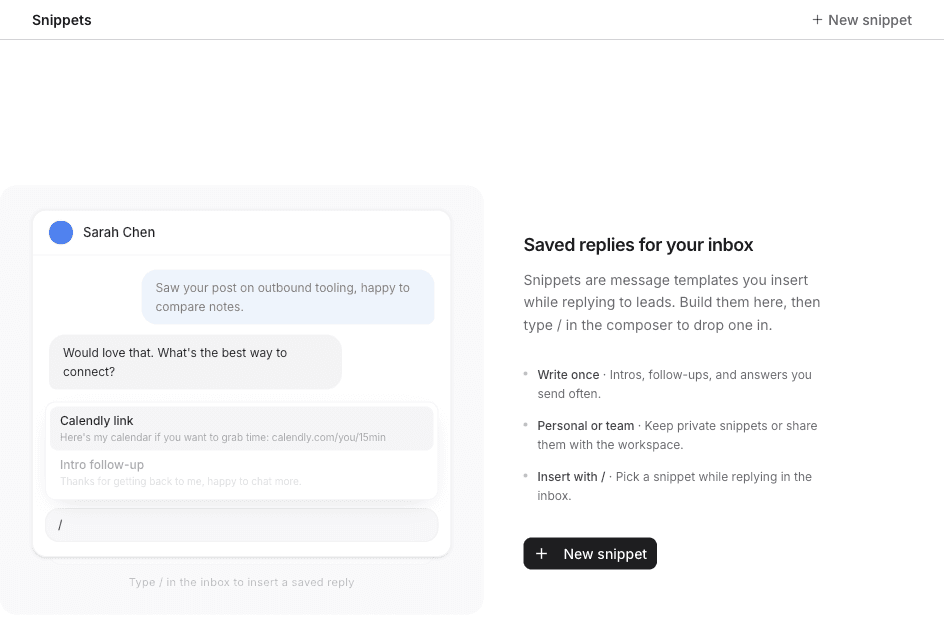
Snippets are message templates you insert while replying on LinkedIn.
- Open Settings.
- Under Inbox, click Snippets.
Create a snippet
- Click New snippet.
- Double-click the name and replace Untitled snippet.
- Write the message. The body placeholder is Write a message....
- Turn on Share with team when everyone in the workspace should be able to use it. Leave it off to keep the snippet personal.
- Click Create.
Attach file adds a file to the snippet. On a snippet you already saved, the button is Save.
These placeholders fill in from the lead when you insert the snippet:
{{first_name}} {{last_name}} {{company}} {{position}} {{location}} {{industry}} {{headline}}
Any other {{custom}} placeholder opens Fill in placeholders before the text is inserted.
Insert a snippet
- Open a LinkedIn conversation in Inbox.
- Click the message box. The placeholder is
Type a message... (/ for variables, : for snippets). - Type
:. - Click the snippet.
- Click Send, or press ⌘ Enter.
Type / in that same box to insert a variable, such as the lead's first name, without opening a snippet.