

Warmup
Warmup
Like posts and comments from people you want to stay visible to.
Warmup likes new posts and comments from people you add, on a schedule, so you show up in their notifications.
- Click Warmup in the left sidebar.
- Click Add profile to add someone.
- Click Settings to set the schedule and what gets liked.
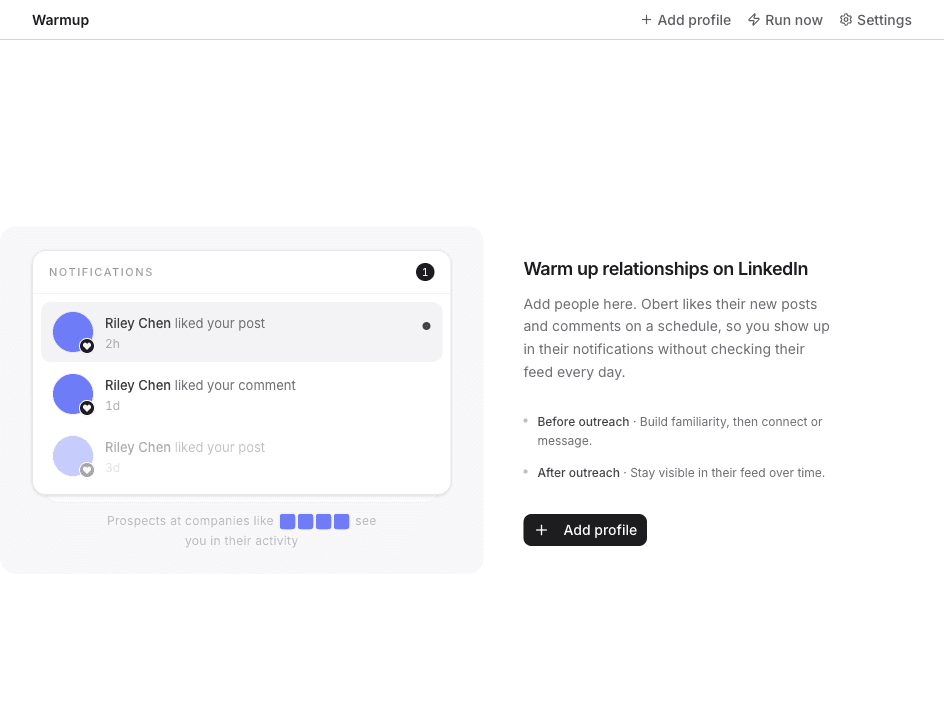
Run now checks for new posts and comments without waiting for the next scheduled run.
A sequence can also add someone with Add to Warmup. That step is on Handoffs from a sequence.