

Finder
Search for people
Filter Finder to the people you want, then add them to a list.
People search is the People mode in Finder.
Run a search
- Click Finder in the left sidebar.
- Click People.
- Open a filter group. The groups are Person, Company, Technology stack, Funding, Job postings, Education, and Revenue.
- Set the filters you need. Person includes Job titles, Seniority, and Person location. Company includes company name, size, and industry.
- Review the results.
- Select the people you want.
- Click Add to list and choose the list.
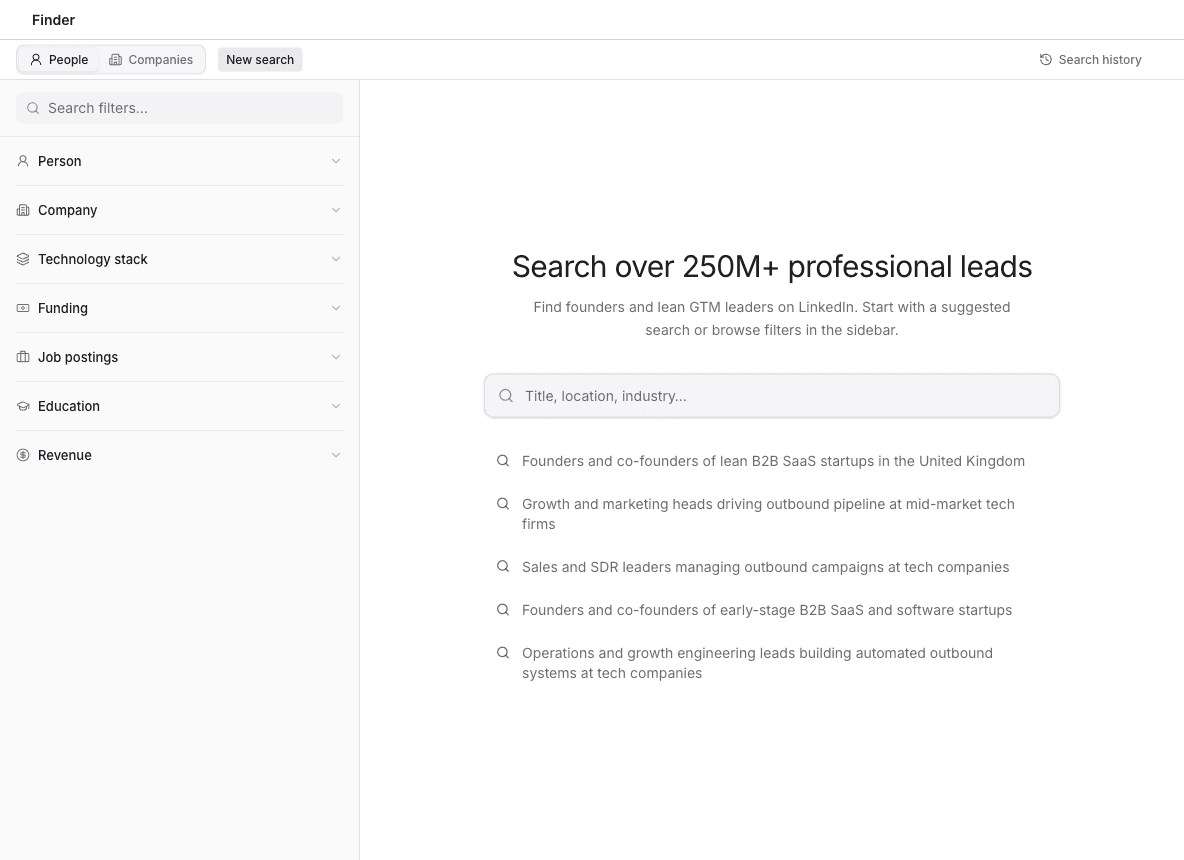
You can also start from a suggested search under Search over 250M+ professional leads, or type in Title, location, industry....
Add to campaign enrolls the selection in a campaign instead of a list.
Use Search filters... in the sidebar when you know the filter name and do not want to open every group.