

Finder
Finder
Search for people and companies, then add them to a list.
Finder searches a database of people and companies. You set filters, review the matches, and add the ones you want to a list.
- Click Finder in the left sidebar.
- Stay on People, or click Companies.
- Set filters in the sidebar, or type a search in Title, location, industry....
- From the results, click Add to list.
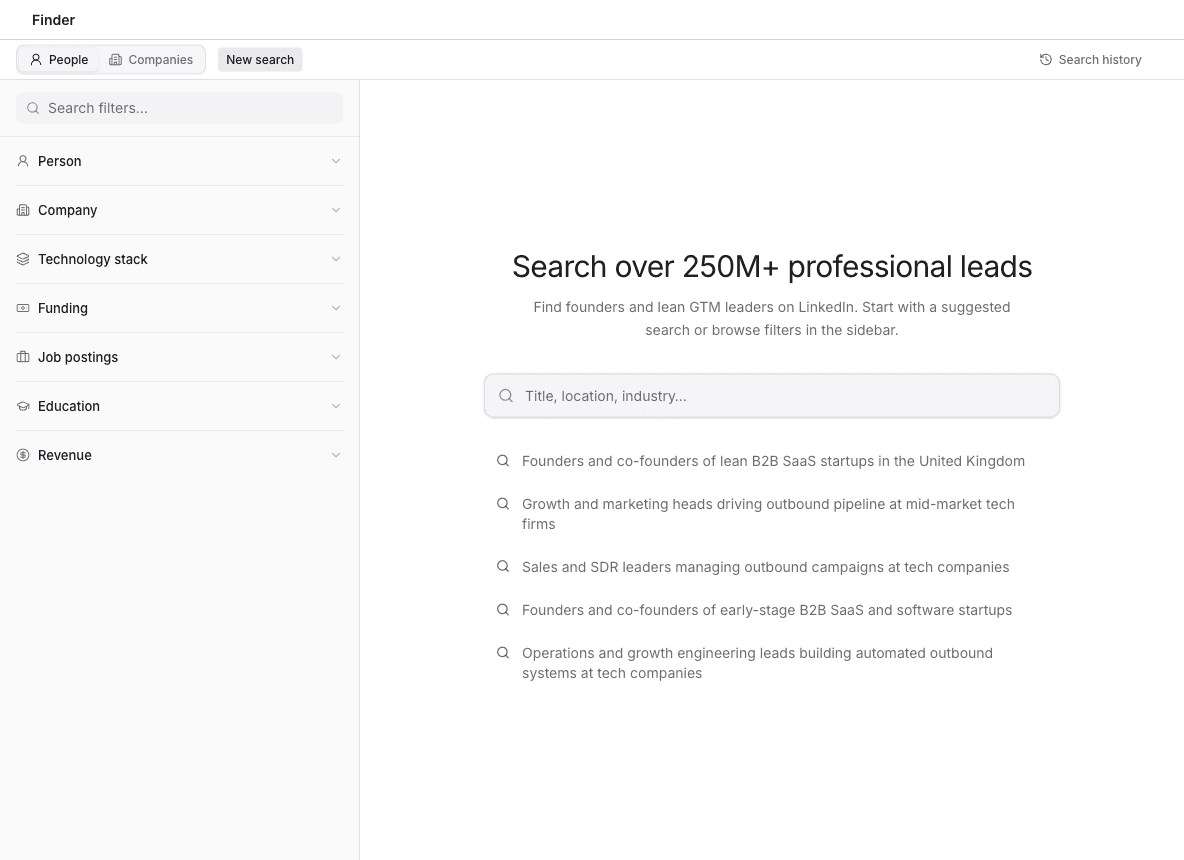
New search starts over. Search history opens searches you have already run. After you change filters, Save keeps the search, and Clear removes the filters.
Search for people and Search for companies cover the two modes. Saved searches covers coming back to one.