

Getting Started
Quickstart
Connect a LinkedIn account, launch a signal, and review the first leads in Signals Feed.
Connect a LinkedIn account, tell Obert what to watch, and review the leads that come back. This takes about 10 minutes.
Prerequisites
- An Obert account (app.obert.io)
- A LinkedIn account you sell from
Step 1: Connect your LinkedIn account
- Open Settings from the bottom of the left sidebar.
- Click Senders.
- Click New sender.
- Next to Personal LinkedIn, click Connect LinkedIn.
- In Connect LinkedIn Account, click LinkedIn Login.
- Sign in and authorize Obert.
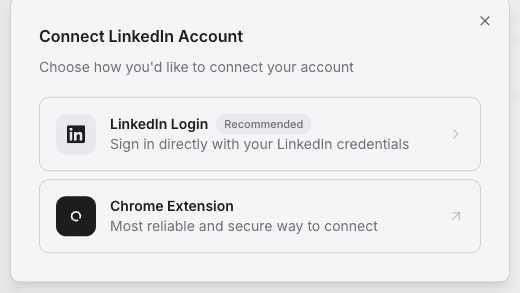
The account shows Connected under Personal LinkedIn.
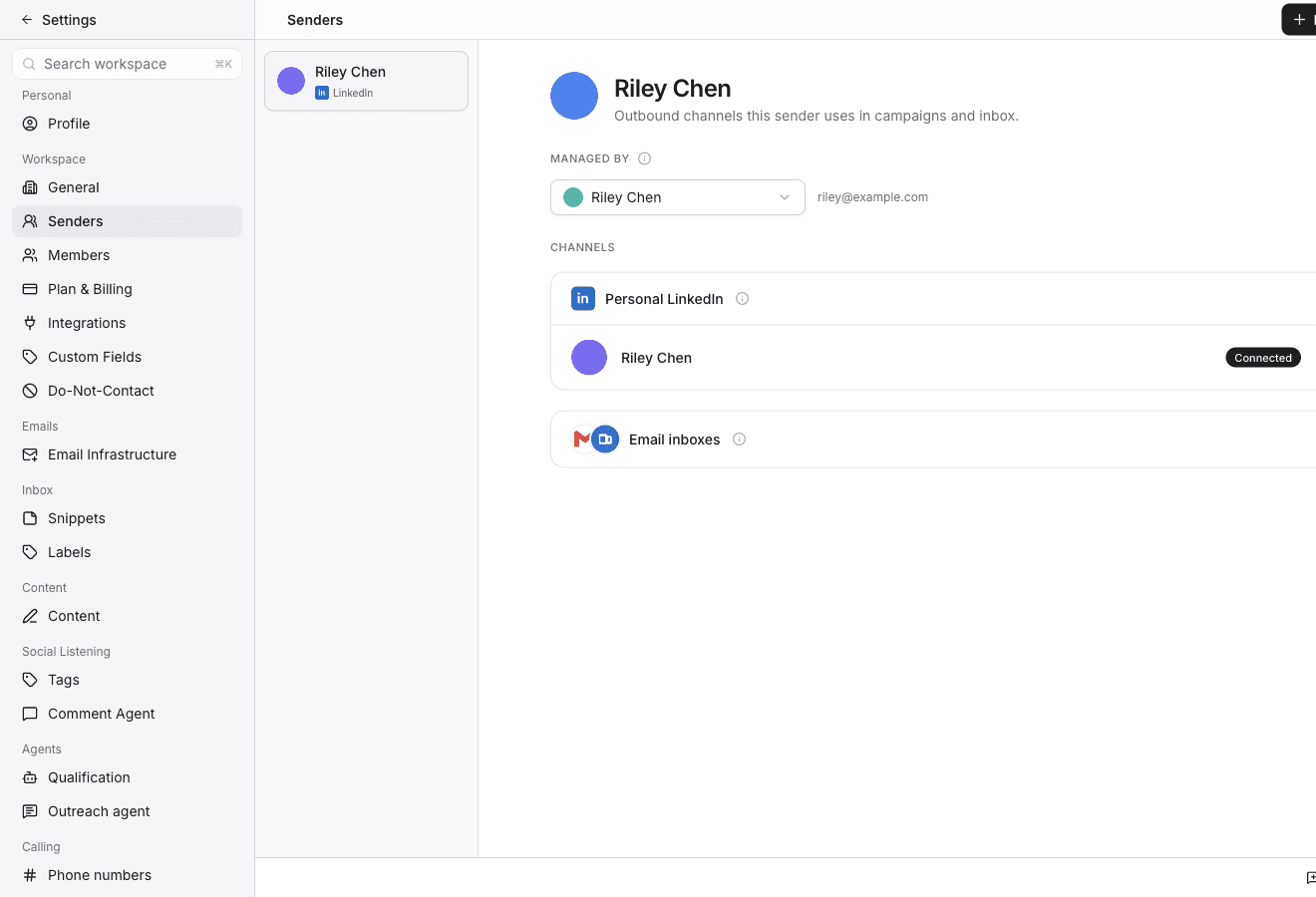
One account is enough to start. You can connect more later.
Step 2: Create your first signal
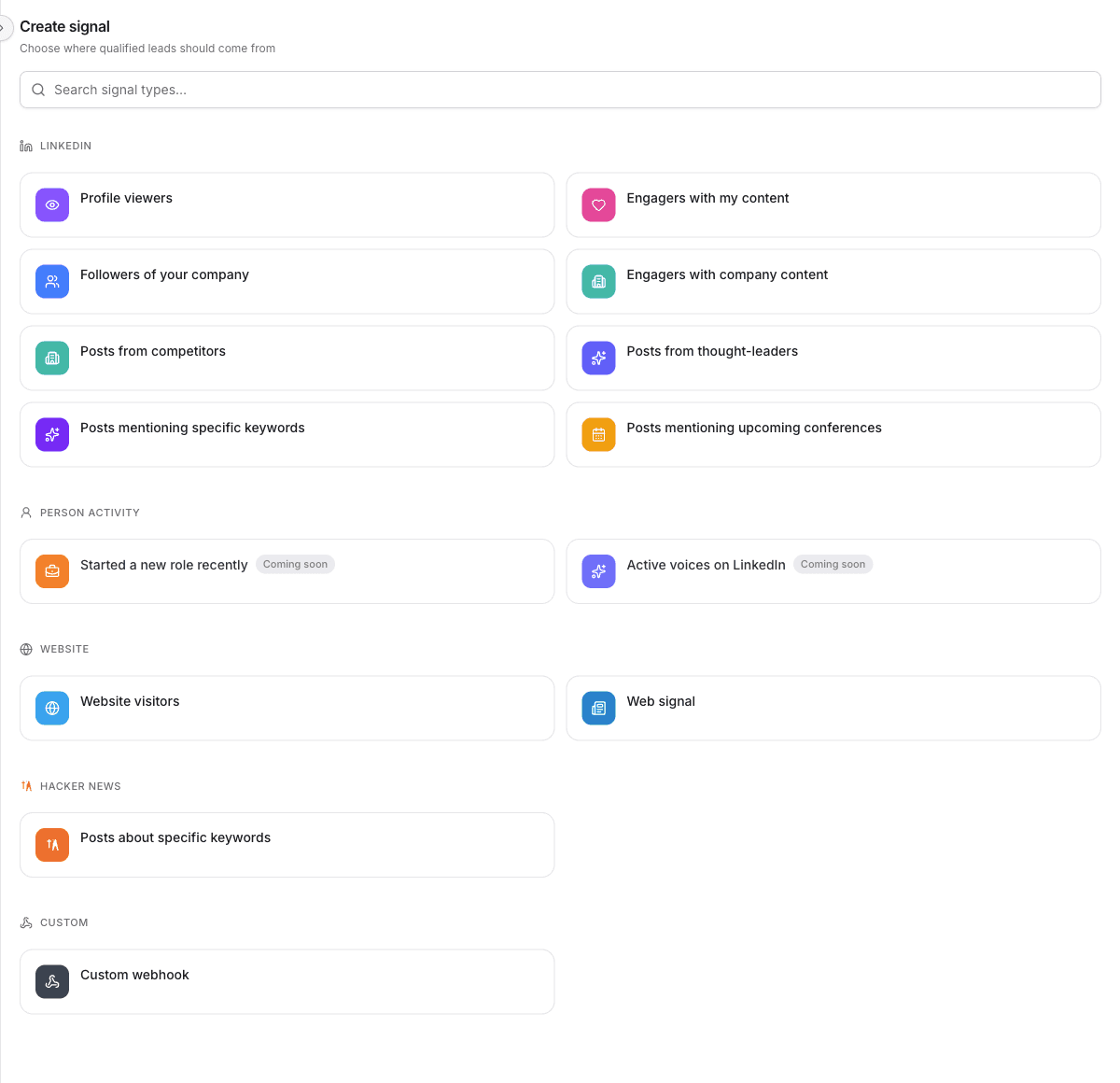
A signal watches a source and sends matching people to Signals Feed. Start with people who engage with your own posts. That type only needs the account you just connected.
- Click Signals Feed in the left sidebar.
- Open the Signals tab.
- Click Add signal.
- Choose Engagers with my content.
Source and qualification
- On Source, select your LinkedIn account.
- Click Continue.
- On Qualify, select your qualification agent.
- Click Continue.
Outreach and launch
- On Outreach, leave Generate personalized outreach selected.
- Click Continue.
- On Schedule, click Launch.
- Click Run now.
Obert checks your recent posts for people who liked or commented. Qualified matches show up in the feed.
Step 3: Review the feed
- Click Signals Feed in the left sidebar. You land on Feed.
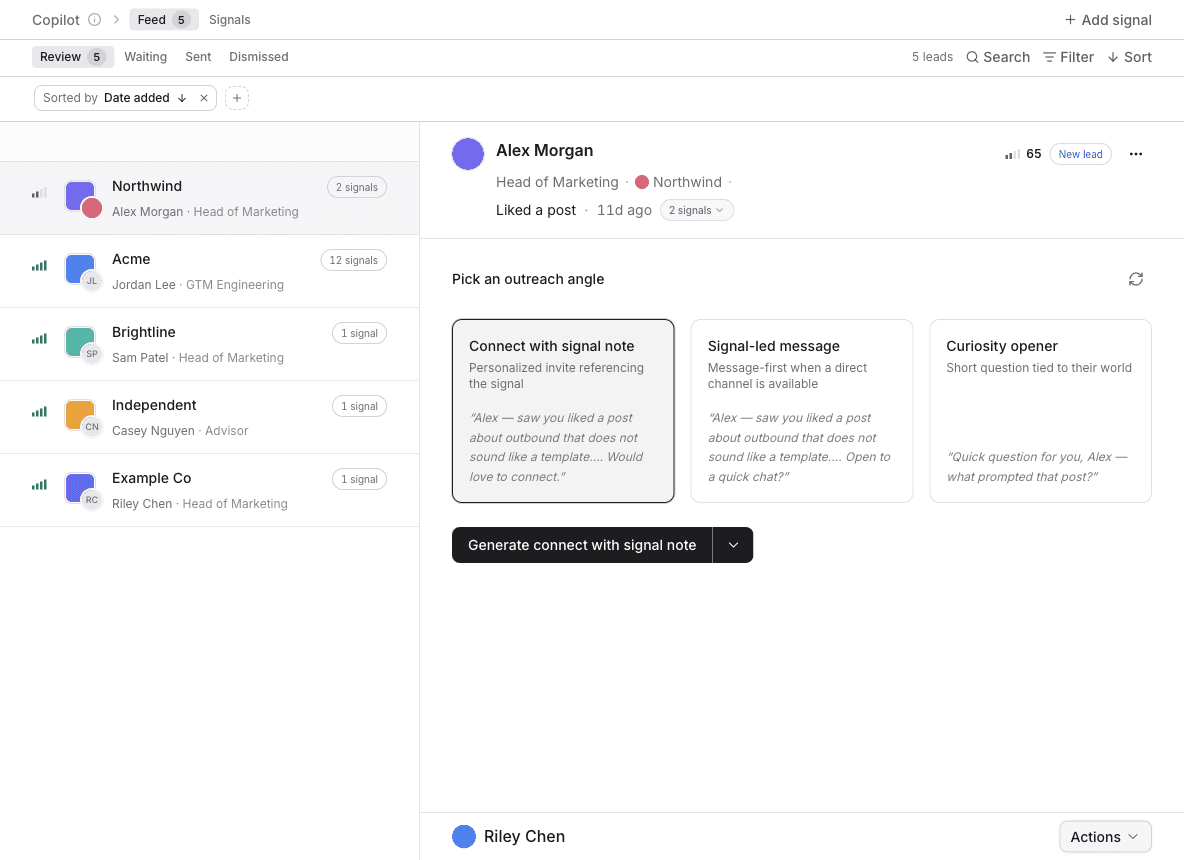
- Open a lead in the Review view.
- Read the signal context and the drafted sequence.
- Click Send sequence to start outreach, or Dismiss to skip the lead.
What's next
- Signal types — the other sources Obert can watch.
- Create a list — group leads for a campaign.
- Create a campaign — run a sequence you design yourself.