

Signals Feed
Monitor signal runs
See when a signal last ran and how many people it qualified.
Each check a signal makes is a run. Last runs shows how many people qualified and when the check happened.
Open last runs
- Click Signals Feed in the left sidebar.
- Open the Signals tab.
- Open the signal.
- Open Last runs.
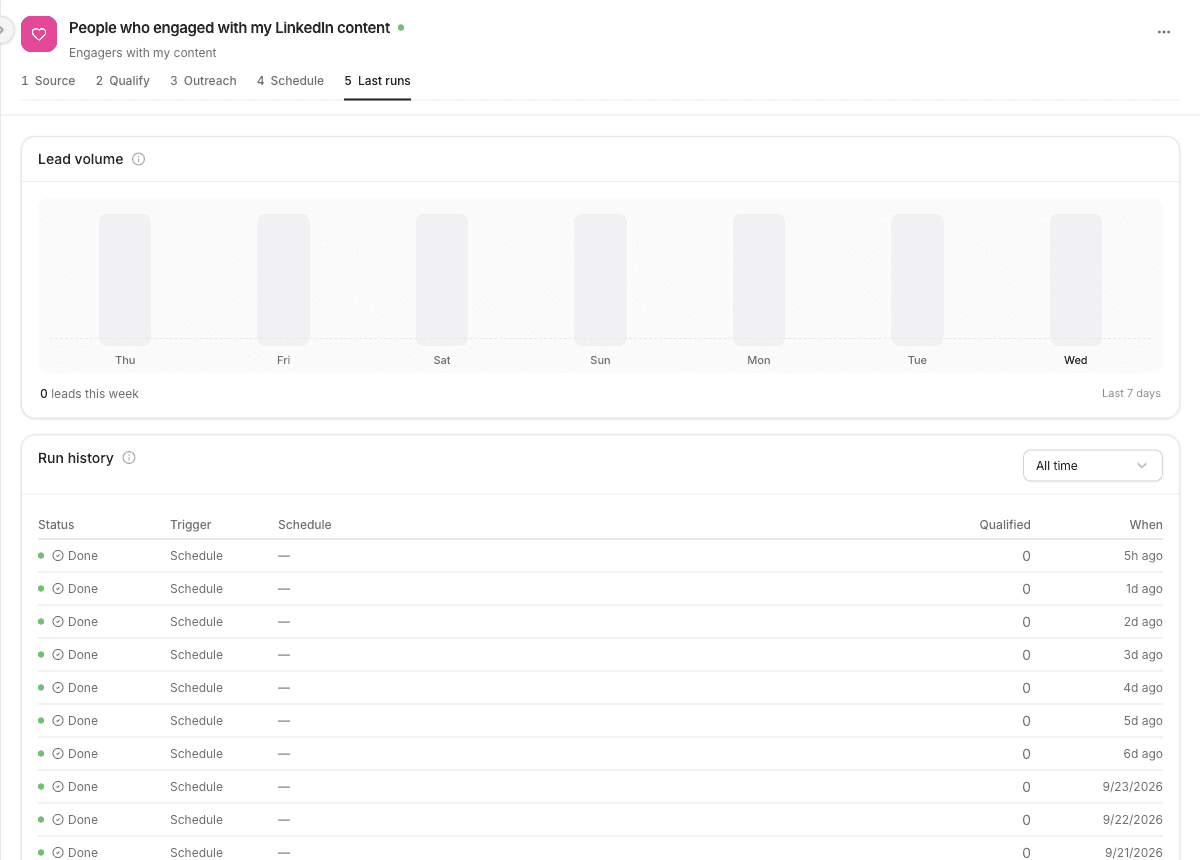
What you see
Lead volume is a count of qualified leads for the last 7 days.
Run history lists each run:
| Column | What it means |
|---|---|
| Status | How the run finished. Done means it completed. |
| Trigger | What started it. Schedule means the signal's schedule did. |
| Schedule | The schedule that applied to that run. |
| Qualified | How many people passed the qualification agent. |
| When | When the run happened. |
The date filter defaults to All time.
Click a number in Qualified to open the leads from that run.
Before the first check, Run history says "Runs appear here after the signal executes."