ObertObert
Lists

Organize with Lists

Lists group leads and accounts for targeted campaigns, scoring, and integrations.

Lists are how you organize leads in Obert. They sit between discovery and outreach — you fill a list with qualified leads, then point a campaign at it.

What lists are for

  • Campaign targeting — every campaign draws leads from one or more lists
  • ICP scoring — each list has its own ICP criteria, so the same lead can score differently in different lists
  • Integration sync — push lists to HeyReach, Instantly, or Clay
  • Organization — segment leads by persona, territory, campaign theme, or any criteria you choose

List types

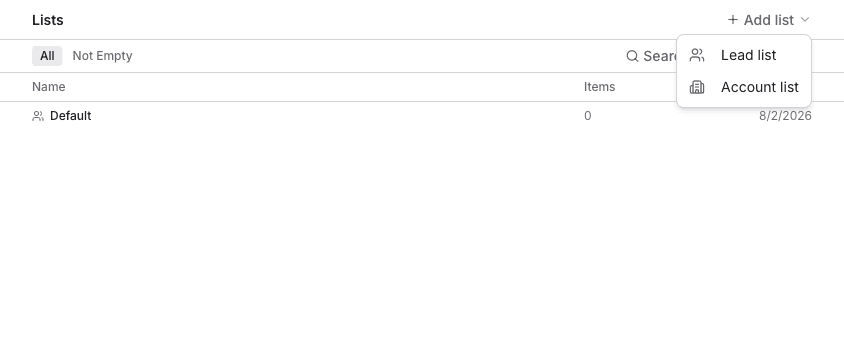
Obert has two list types, both using the same list infrastructure (ICP scoring, import, export):

  • Lead lists — contain individual people profiles. Used directly in campaigns.
  • Account lists — contain companies. Used for account-based prospecting — score target companies, then find leads within them. See Account Lists.

How leads get into lists

  • Manually — select leads from the leads table and add them to a list
  • From signals — configure a signal to auto-add discovered leads to a list
  • From imports — import a CSV or LinkedIn search directly into a list
  • From other lists — combine or intersect existing lists

How accounts get into lists

  • Manually — select companies from the accounts table and add them to an account list

  • From imports — import from LinkedIn company URLs, company search, Sales Navigator, or CSV

  • From the accounts table — create a new list directly from a selection

  • Create a List — set up a new lead or account list.

  • Add Leads — populate a list with leads.

  • Push to Integrations — send leads to HeyReach, Instantly, or Clay.

On this page