

Campaigns
Campaigns
Run a sequence on LinkedIn, by email, or both.
A campaign is a sequence Obert runs for the people you add. The steps can be LinkedIn, email, or a mix. Each step sends from a sender you assign.
- Click Campaigns in the left sidebar.
- Use Active or All to switch the view. From Signals appears when a signal has created campaigns.
- Click a campaign to open it.
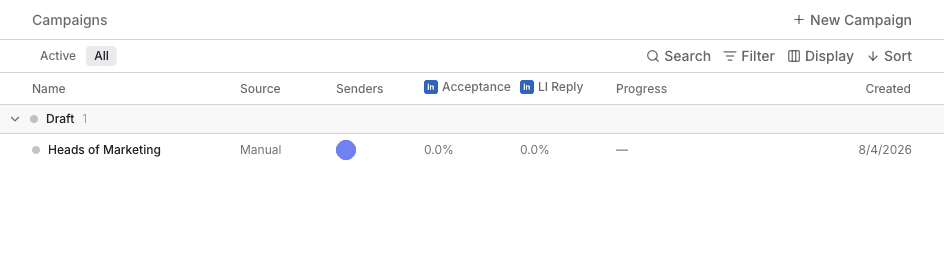
New Campaign starts a draft. The table columns are Name, Source, Senders, Acceptance, LI Reply, Progress, and Created. Email Reply appears when a campaign includes Send email. Source is Manual or Signal.
How a campaign works
- Add leads. Pull them from a list, an import, or a search.
- Design the sequence. Add steps such as Send an invite, Send a message, Send InMail, or Send email.
- Choose senders and exclusions. A LinkedIn step needs a connected LinkedIn account. Send email needs a mailbox on that sender.
- Launch. Obert runs the steps within each sender's limits.
- Reply. LinkedIn replies and email replies both land in the inbox.
Campaign status
| Status | Meaning |
|---|---|
| Draft | Not launched. You can still edit the sequence. |
| Active | Running. |
| Paused | Stopped until you resume it. |
| Completed | Everyone enrolled has finished the sequence. |
| Archived | Hidden from the active list. The history stays. |
Right-click a campaign for Rename, Launch, Pause, Resume, Duplicate, or Delete. Launch is on drafts. Pause is on active campaigns. Resume is on paused campaigns.